Published 5/20/2020 · 2 min read
Tags: laravel
Managing Redis Locally For Laravel Projects
I recently found a neat app for managing your local databases from the makers of TablePlus. Previously I had just installed Redis and MySQL via Homebrew but with DBngin you can get a GUI to see which services are running.
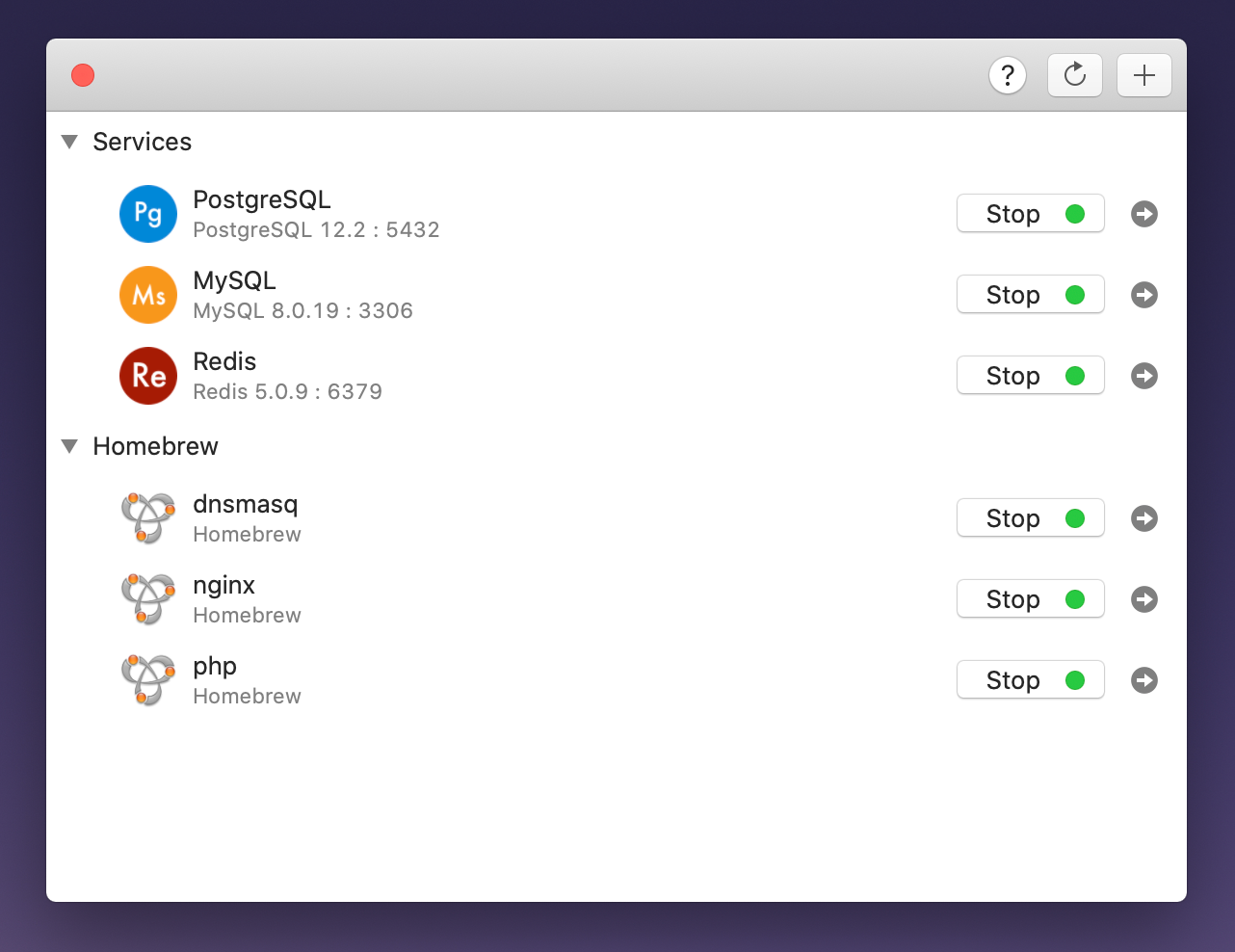
Once installed you can see all the services you have running and starting/stopping them is a breeze. I have uninstalled both MySQL and Redis from Hombrew with brew remove mysql@5.7 and brew remove redis. Then added them underneath the DBngin services. I did need to restart my Mac just to clear things out but once I did this everything connected as it did before.
Clicking on the arrow next to the service you want to use takes you straight into TablePlus where you can add any required databases. Out of the box the database user will be root and the password is blank. Laravel connects to Redis using the following settings:
REDIS_HOST=127.0.0.1
REDIS_PASSWORD=null
REDIS_PORT=6379
I have previously written about what you need to get Laravel working with valet and Redis locally and most of this still applies, except you would no longer install Redis via Homebrew (step 1).
Quick Links
Related Articles
- Deploying Your Laravel API and Vue SPA
Deploy your Vue 3 SPA on Vercel or Netlify while hosting the Laravel 11 API via Laravel Forge on Digital Ocean or Railway.
- Handling API Errors in Your Vue 3 SPA
How to handle validation errors, server errors, and network failures gracefully in a Vue 3 SPA consuming a Laravel API.
- Shaping API Responses with Laravel Resources
Laravel API resources provide fine-grained control over JSON responses, letting you transform models and include relationships consistently.